
Make more music.2 months free on annual plansExplore plans

AI Sound Effect Generator

An AI SFX generator: type what you want to hear, from a creaking door to a rainforest morning, and generate it as audio. Set the tempo and key, or make a seamless loop for backgrounds.

New

How to generate a sound effect with AI

  1. 1

    Describe the sound

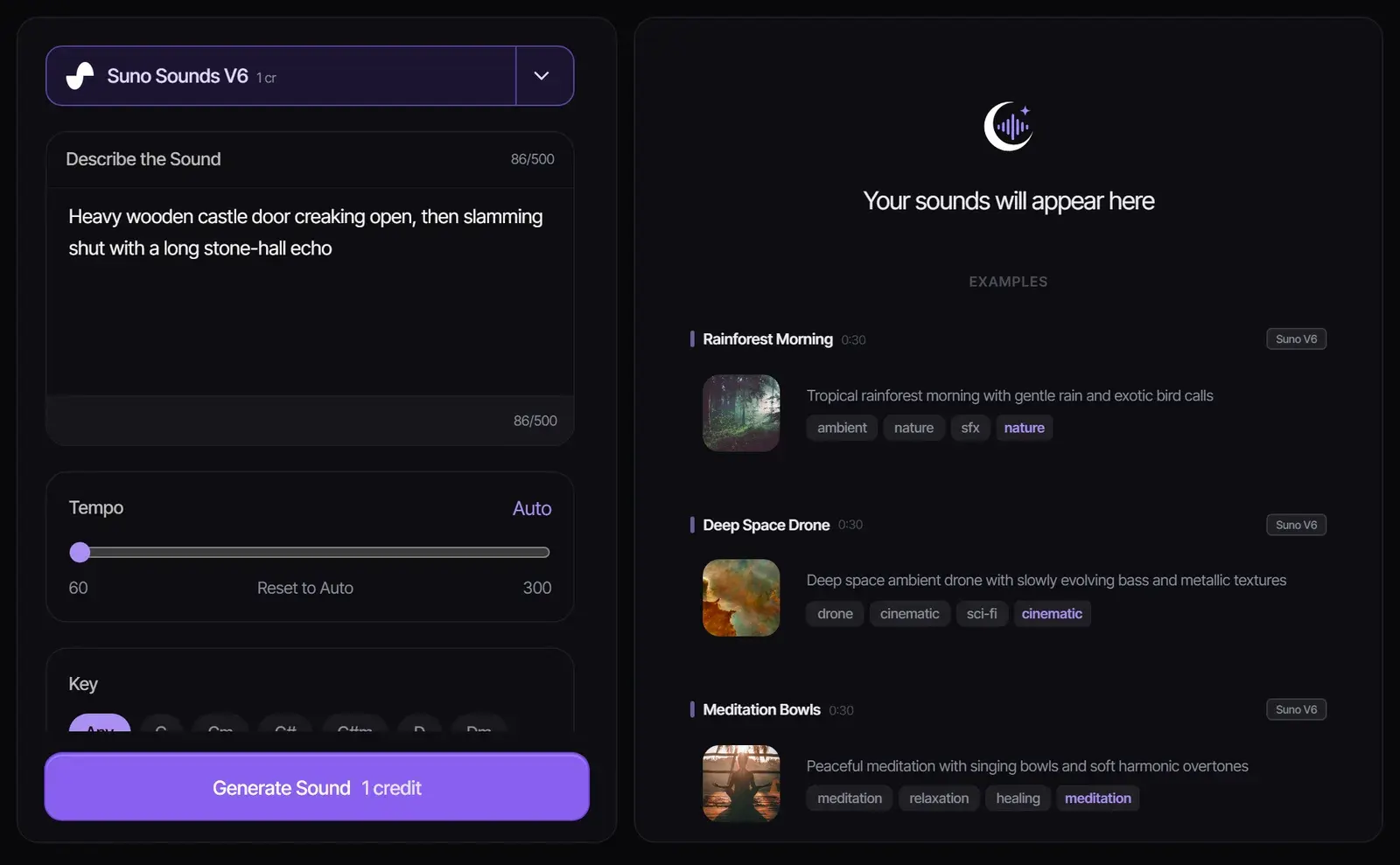
    Write what happens, what makes the sound and where it is, in up to 500 characters. "Heavy wooden castle door creaking open, then slamming shut with a long stone-hall echo" gives far more to work with than "door".

    Sound generator with a castle door description typed in and example sounds on the right
  2. 2

    Set tempo, key and looping

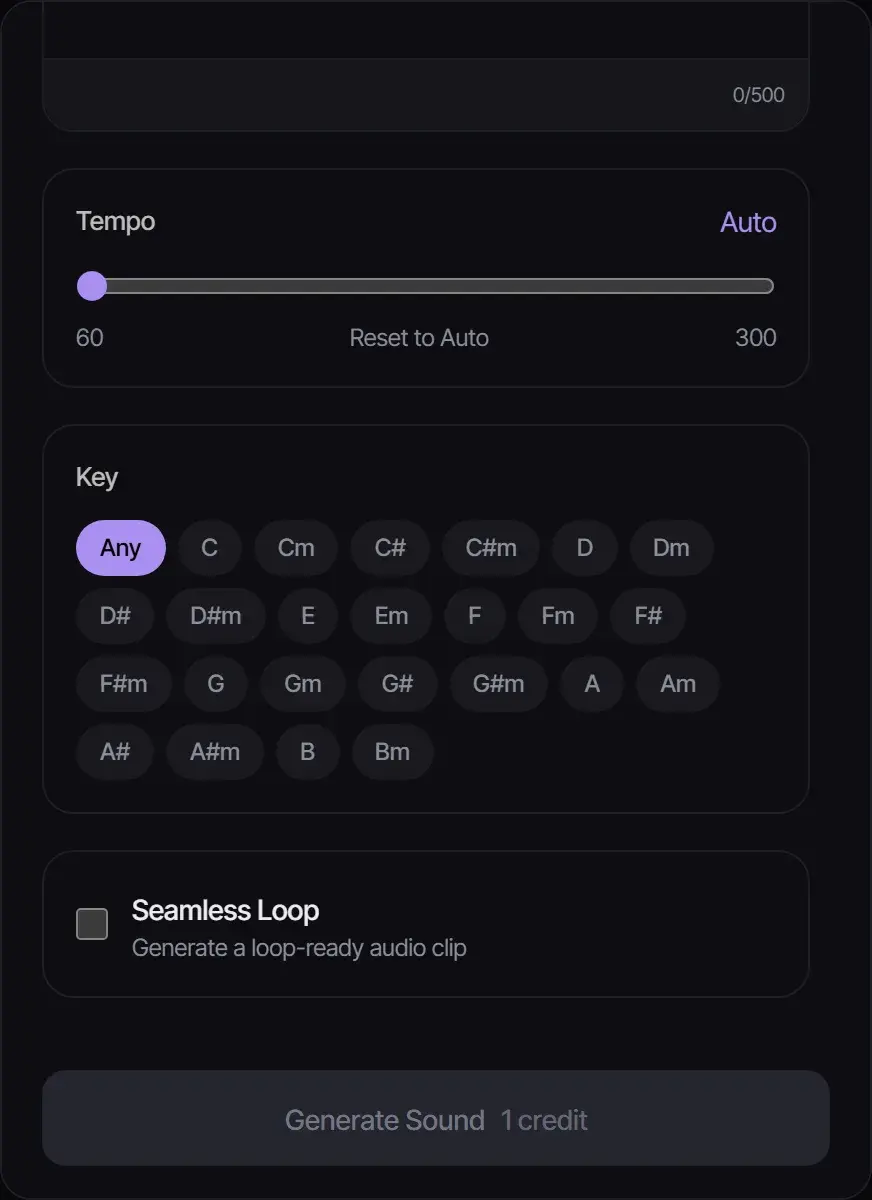
    Leave tempo on Auto for effects, or set 60 to 300 BPM for rhythmic sounds. Choose a key when the sound has to fit a track, and turn on Seamless Loop for ambiences and background beds.

    Tempo slider, key selector and Seamless Loop option in the sound generator
  3. 3

    Generate, listen and download

    Select Generate Sound. Each sound costs 1 credit with Suno Sounds V6 or V5. Listen, adjust the description and regenerate until it fits.

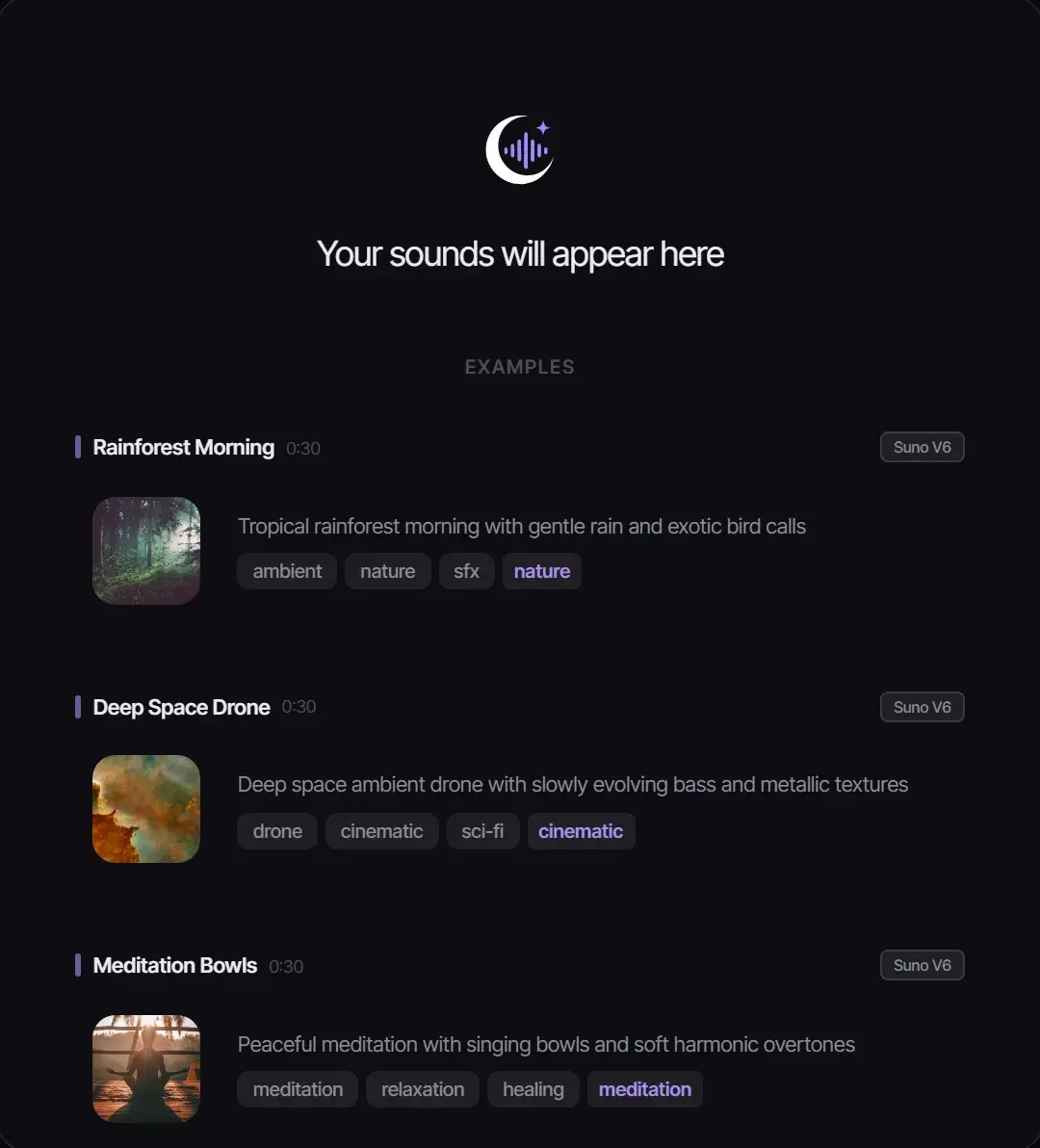
    Example generated sounds: rainforest morning, deep space drone and meditation bowls, with tags

Sound effect prompt examples

CategoryPrompt
FoleyFootsteps on fresh snow, slow and heavy, crunching under winter boots
InterfaceSoft, friendly notification chime, two rising notes, clean and short
AmbienceBusy café at noon, quiet chatter, cups clinking, espresso machine hiss
ImpactDeep cinematic boom with a metallic tail, for a trailer title hit
NatureLight rain on a tent with distant thunder rolling in
Sci-fiSpaceship engine powering up, low hum rising into a bright whine

Tips for better AI sound effects

  • Describe the source, the action and the space: what, doing what, where.
  • Add texture words such as "metallic", "wooden", "muffled" or "distant".
  • Use Seamless Loop for anything that plays in the background for a while.
  • Need music instead of an effect? Try the AI Jingle Generator for short branded music or the AI song generator for full tracks.

Where creators use AI sound effects

  • Videos and Shorts: whooshes, hits and transitions that match your edit.
  • Games: use it as a game SFX generator for UI sounds, pickups, ambiences and loops for levels.
  • Podcasts: intro stings, scene ambience and segment transitions.
  • Apps and products: notification and confirmation sounds.

Using the sounds you generate

Sounds follow your plan’s license: personal use on Free, commercial use for eligible audio on Plus and Pro. Avoid describing copyrighted audio, such as a famous film sound, in your prompt. See Commercial Use.

Sound asset examples

Generate the small sounds that make a project feel finished

Useful for UI cues, channel stings, game feedback, transitions, and quick sound assets that do not need a full song workflow.

Indie game developer

Use case example

Game scene to loop

Describe a menu screen or a boss fight and get original loops that give a prototype its own sound, instead of free asset-pack music.

Prototype audio

A menu loop and battle cue ideas to test in the build.

YouTube Shorts creator

Use case example

Script to publishable hook

Describe the pacing of a Shorts script and get original background tracks to cut around, instead of searching stock libraries for music that is safe to use.

Shorts-ready track

A 30-second track to edit around, with license status shown before export.

Shopify ads editor

Use case example

Product brief to jingle

Turn a product page or a short brief into a 15-second jingle while the ad edit is still in progress.

Ad audio

A brand hook with a call-to-action ending; paid plans include commercial use for eligible music.

Frequently asked questions

Is it a sound effects generator or a music generator?

A sound effects generator: it makes sounds, ambience and short loops from a text description. For full songs, use the AI song generator.

Is the AI sound effect generator free?

New accounts get 8 free credits without a credit card, and each sound costs 1 credit, so you can make up to eight sounds for free.

Can I make looping sound effects?

Yes. Turn on Seamless Loop to generate a loop-ready clip for ambiences and background beds.

Can I control the tempo or key?

Yes. Leave tempo on Auto or set it from 60 to 300 BPM, and pick any key so the sound fits your track.

Can I use the sounds in YouTube videos or games?

On Plus and Pro, eligible sounds include commercial-use rights. Free-plan sounds are for personal use.

How long can a description be?

Up to 500 characters. One or two specific sentences usually work best.

Updated October 19, 2026 · Written and reviewed by the Songluna AI team

Next steps

Try AI Sound Effect Generator free

New accounts get 8 free credits. No credit card required.