Make more music.2 months free on annual plansExplore plans
AI Music Extender
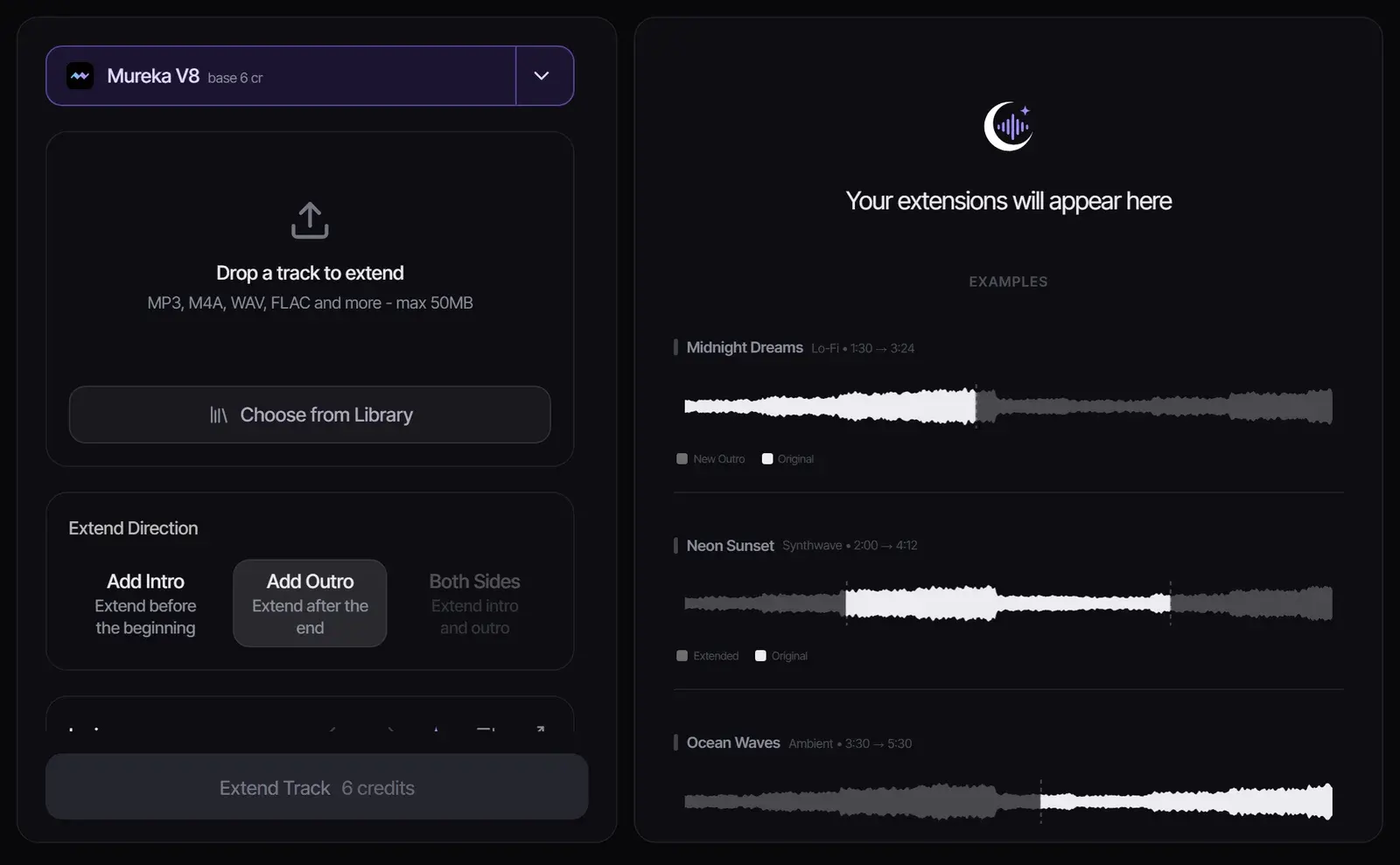
Upload a track you own or may use, choose where to extend it, and let AI write a new intro or outro in the same style.
How to extend a song with AI
1
Upload your track
Drop in an MP3, M4A, WAV or FLAC file up to 50 MB, or pick a song from your library. The original file is never changed; the extension is saved as a new version.
2
Choose where to extend
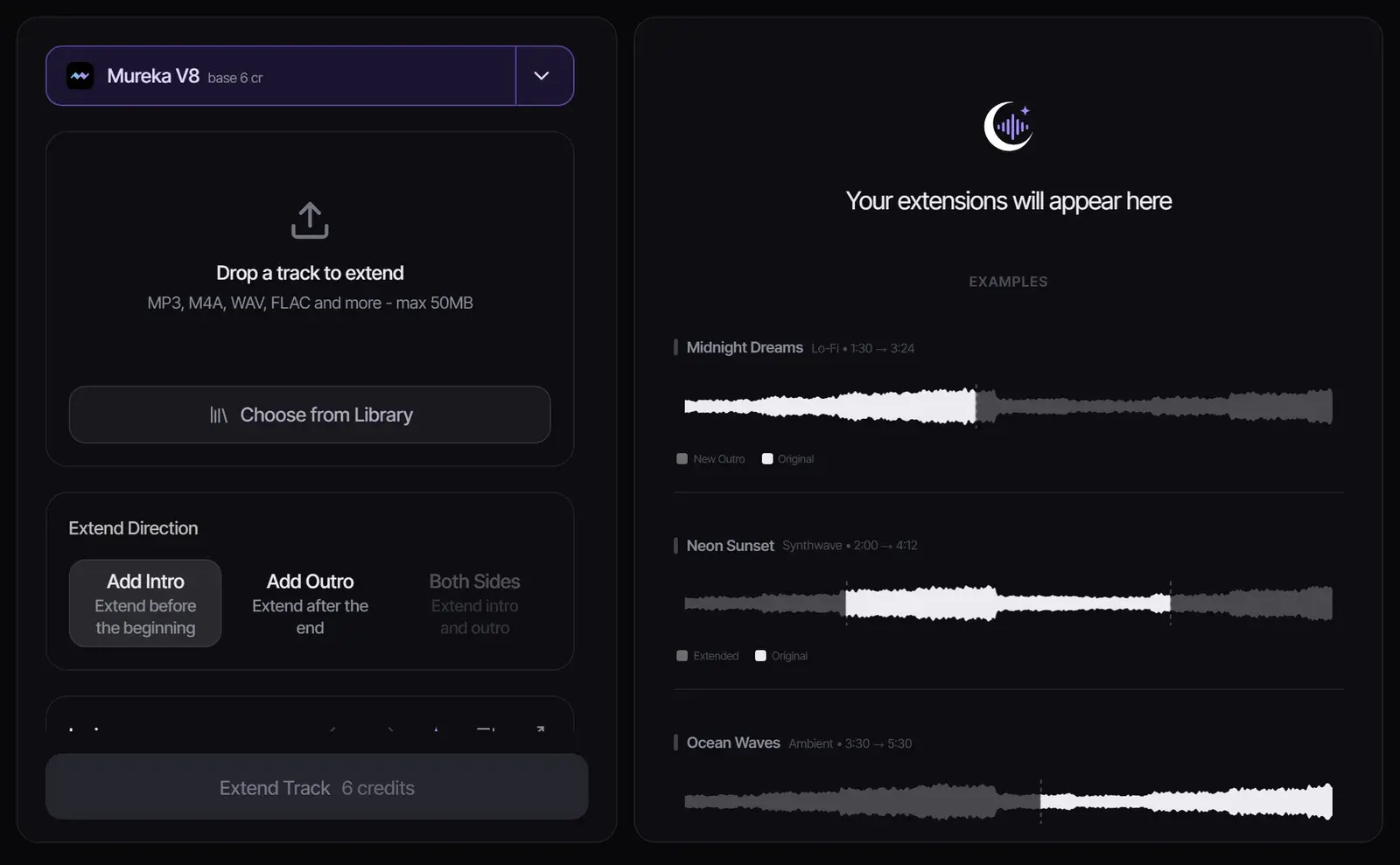
Pick Add Intro to write new music before the start, or Add Outro to continue after the end. With Suno models you can instead choose the exact point on the waveform to continue from.
3
Pick a model and extend
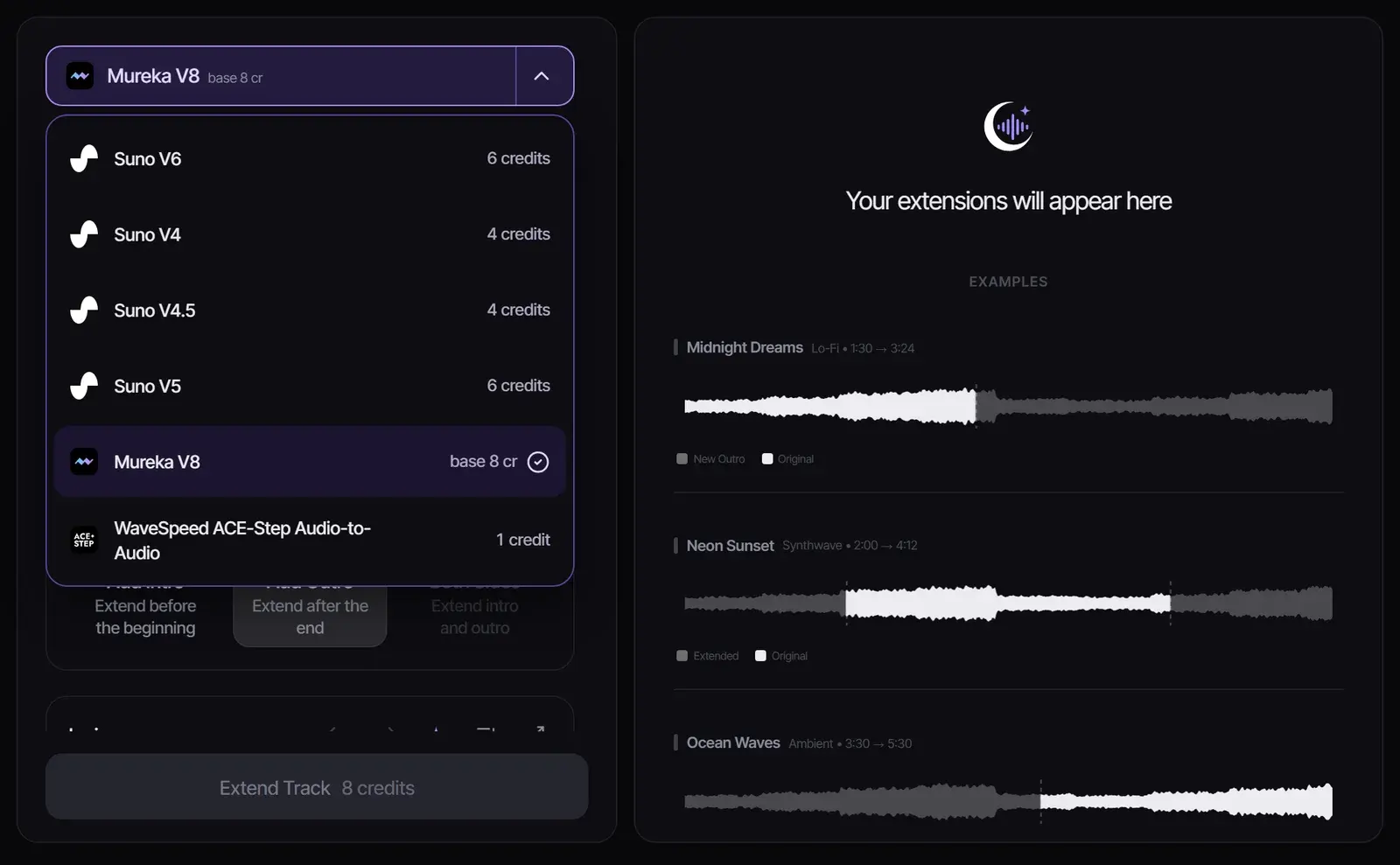
Choose a model, optionally add lyrics for the new section, and select Extend Track. The credit cost is shown on the button before you start.
How AI song extension works
The model listens to your track, picks up its tempo, key, instruments and vocal style, and generates new music that continues from the start or end. Unlike looping, it writes a new section rather than repeating an old one. That makes it an AI song extender rather than a loop tool, and it runs in your browser, so you can extend music online without a DAW.
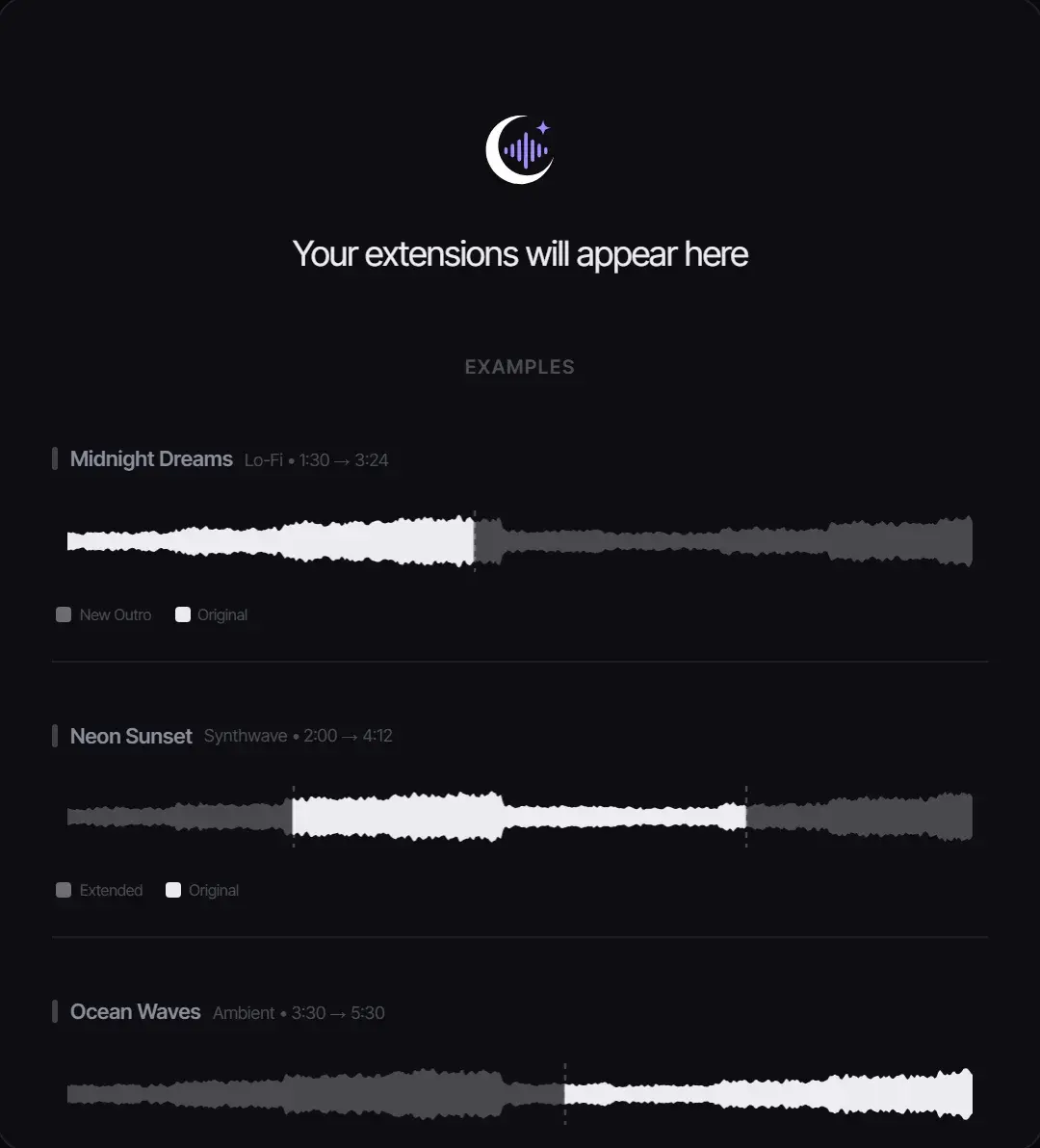
An intro is written before the original; an outro continues after it.Example extensions in the workspace: the highlighted part of each waveform is new.
Which model to use for extending
Extension models in Songluna AI (October 2026)
Model
Credits
Where it extends
New lyrics
Suno V6 / V5
6
From any point you pick on the waveform
Up to 5,000 characters
Suno V4.5 / V4
4
From any point you pick on the waveform
Up to 5,000 characters
Mureka V8
from 6
Intro or outro
Up to 3,000 characters
WaveSpeed ACE-Step Audio-to-Audio
from 1
Intro, outro or both, up to 105 seconds each
Not used
Use Suno when the new part needs vocals that continue the song. Use ACE-Step for a quick, low-cost instrumental intro or outro.
Tips for a seamless transition
Continue from a natural boundary, such as the end of a chorus, rather than mid-phrase.
Keep the style description close to the original track so the new section matches.
For vocal extensions, add lyrics in the same rhythm as the lines before them.
Generate two or three versions and keep the one with the smoothest join.
Files, limits and rights
Formats: MP3, M4A, WAV, FLAC and other common audio formats.
File size: up to 50 MB per upload.
Your rights: only extend audio you created, own, or have permission to modify. Generated music follows your plan’s license; see Commercial Use.
Want a different take on the whole song instead of a longer one? Try the AI Song Remixer. Need a brand-new track? Start in the AI song generator.
Extension examples
Stretch a short idea into a usable scene or segment
Useful when a hook, loop, or intro works but the edit needs more runway for a CTA, transition, stream bed, or game scene.
YouTube Shorts creator
Use case example
Script to publishable hook
YouTube
Describe the pacing of a Shorts script and get original background tracks to cut around, instead of searching stock libraries for music that is safe to use.
Shorts-ready track
A 30-second track to edit around, with license status shown before export.
Indie game developer
Use case example
Game scene to loop
itch.io
Describe a menu screen or a boss fight and get original loops that give a prototype its own sound, instead of free asset-pack music.
Prototype audio
A menu loop and battle cue ideas to test in the build.
Podcast host
Use case example
Show concept to intro music
Podcast
Describe the tone of the show in plain English and get an intro that sounds like the show rather than a template, ready to reuse every episode.
Audio identity
Intro, outro and segment bumper options in the same style.
Frequently asked questions
How do I make a song longer with AI?
Upload the song, choose Add Intro or Add Outro (or a continuation point with Suno), pick a model and select Extend Track. The new section is generated in the same style and saved as a new version.
Is the AI music extender free?
New accounts get 8 free credits without a credit card. An ACE-Step extension starts at 1 credit and a Suno extension costs 4 to 6, so you can try it for free.
Will the extension match the key and tempo?
The models are built to continue the tempo, key and sound of your track, and most results join smoothly. Listen to the join before you download, and regenerate if it is not seamless.
Can I extend a song made with Suno or another AI tool?
Yes, if you have the rights to the audio. Upload the file like any other track; Suno models are available for the extension.
Which file formats can I upload?
MP3, M4A, WAV, FLAC and other common audio formats, up to 50 MB.
Can I extend a copyrighted song?
Only with permission from the rights holder. Extending a commercial release you do not own creates a derivative work you are not allowed to publish.
Updated October 18, 2026 · Written and reviewed by the Songluna AI team