Make more music.2 months free on annual plansExplore plans
AI Cover Song Generator
Upload a song you own or may use and have it sung in a permitted preset voice or your own trained voice. For a different genre and arrangement, choose the Style Transfer workflow.
How to make an AI cover song
1
Choose the kind of cover
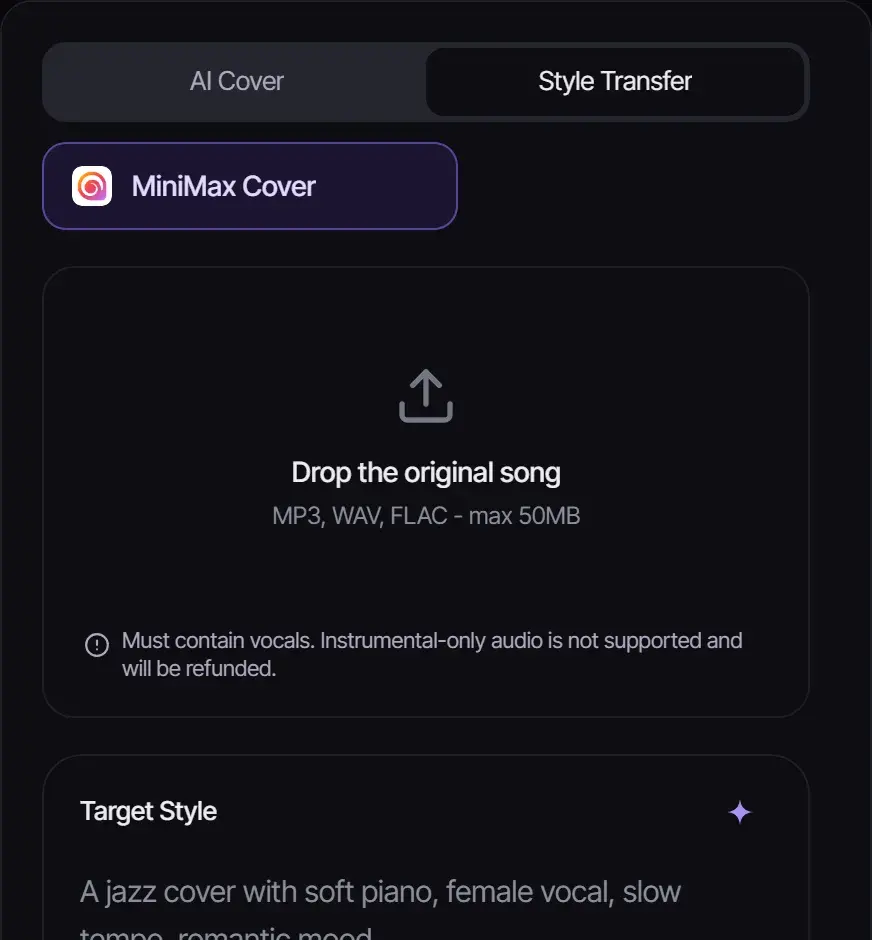
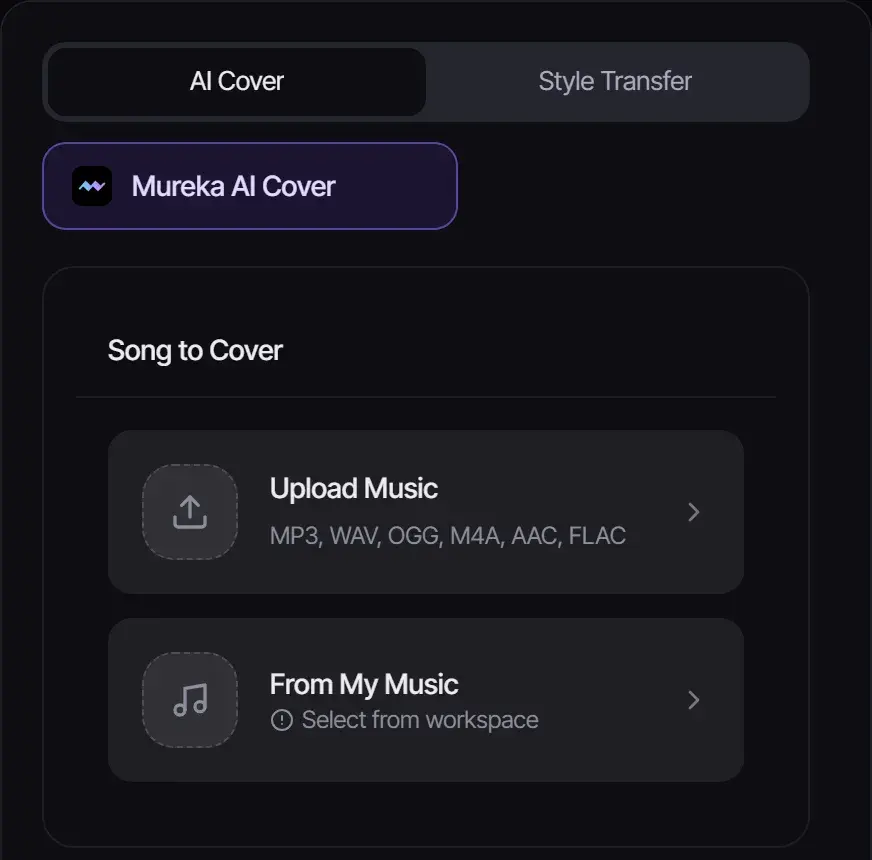
Choose AI Cover to change the singing voice in an existing song. Choose Style Transfer to change its genre and arrangement while retaining the melody and lyrics. Each workflow has its own input requirements below.
2
Add the song
Upload the original, or pick a song from your Songluna AI library. Style Transfer takes MP3, WAV or FLAC up to 50 MB with vocals; AI Cover also accepts OGG, M4A and AAC.
3
Describe the style or choose a voice, then generate
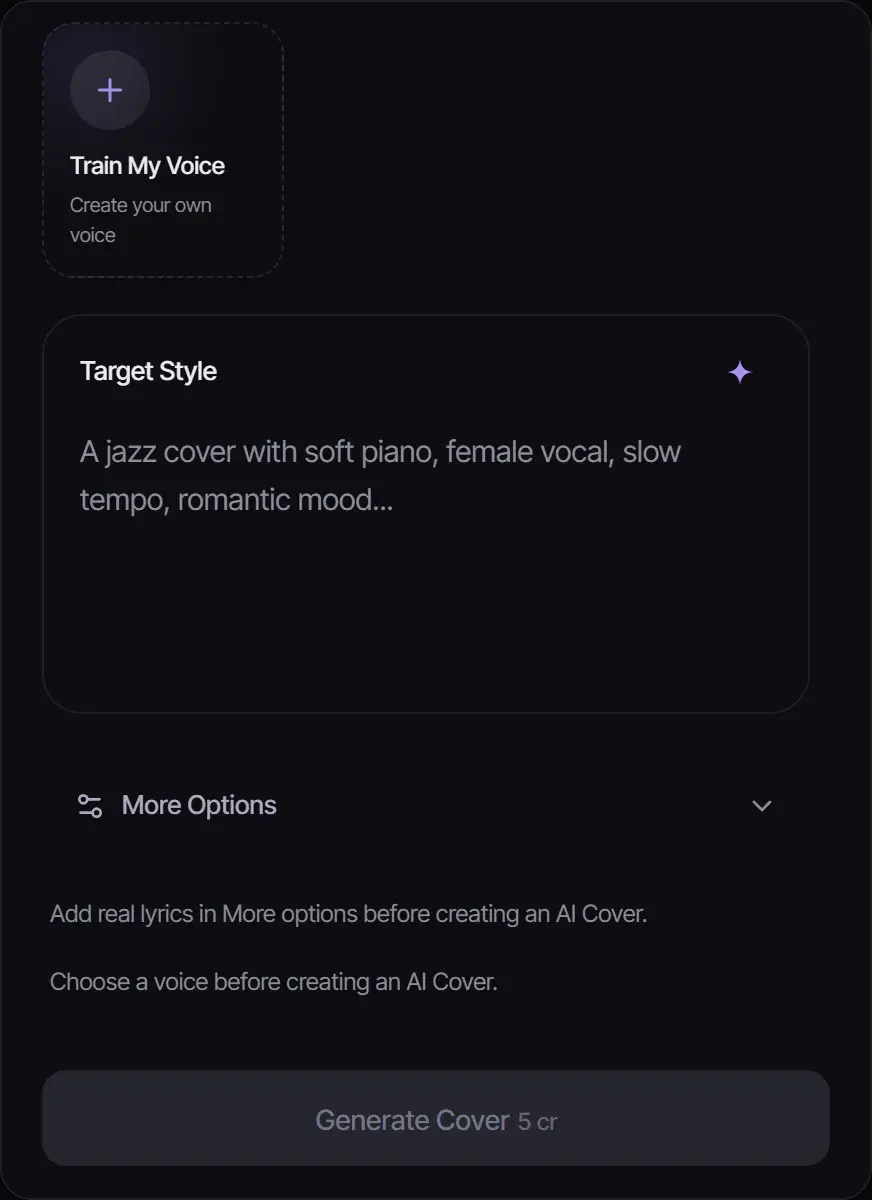
For Style Transfer, describe the target style, such as "jazz cover with brushed drums and upright bass". For AI Cover, choose a preset voice or train your own, describe the style, and add the song’s lyrics under More Options. Then generate and compare the cover with the original.
Two ways to cover a song
Option
What changes
Files
Credits
Style Transfer (MiniMax Cover)
Genre, arrangement and instruments; the melody stays
MP3, WAV or FLAC up to 50 MB, with vocals
8
AI Cover (Mureka AI Cover)
The voice that sings the song; needs the lyrics and a preset or trained voice
MP3, WAV, OGG, M4A, AAC or FLAC
5
Cover ideas
Turn your song into…
Target style
A jazz lounge version
Jazz trio, brushed drums, upright bass, warm piano, smoky vocal
An acoustic session
Acoustic guitar and light percussion, intimate and close
A lo-fi study track
Lo-fi hip hop, mellow keys, vinyl crackle, relaxed tempo
An 80s throwback
Synthwave, gated drums, analog synth bass, bright pads
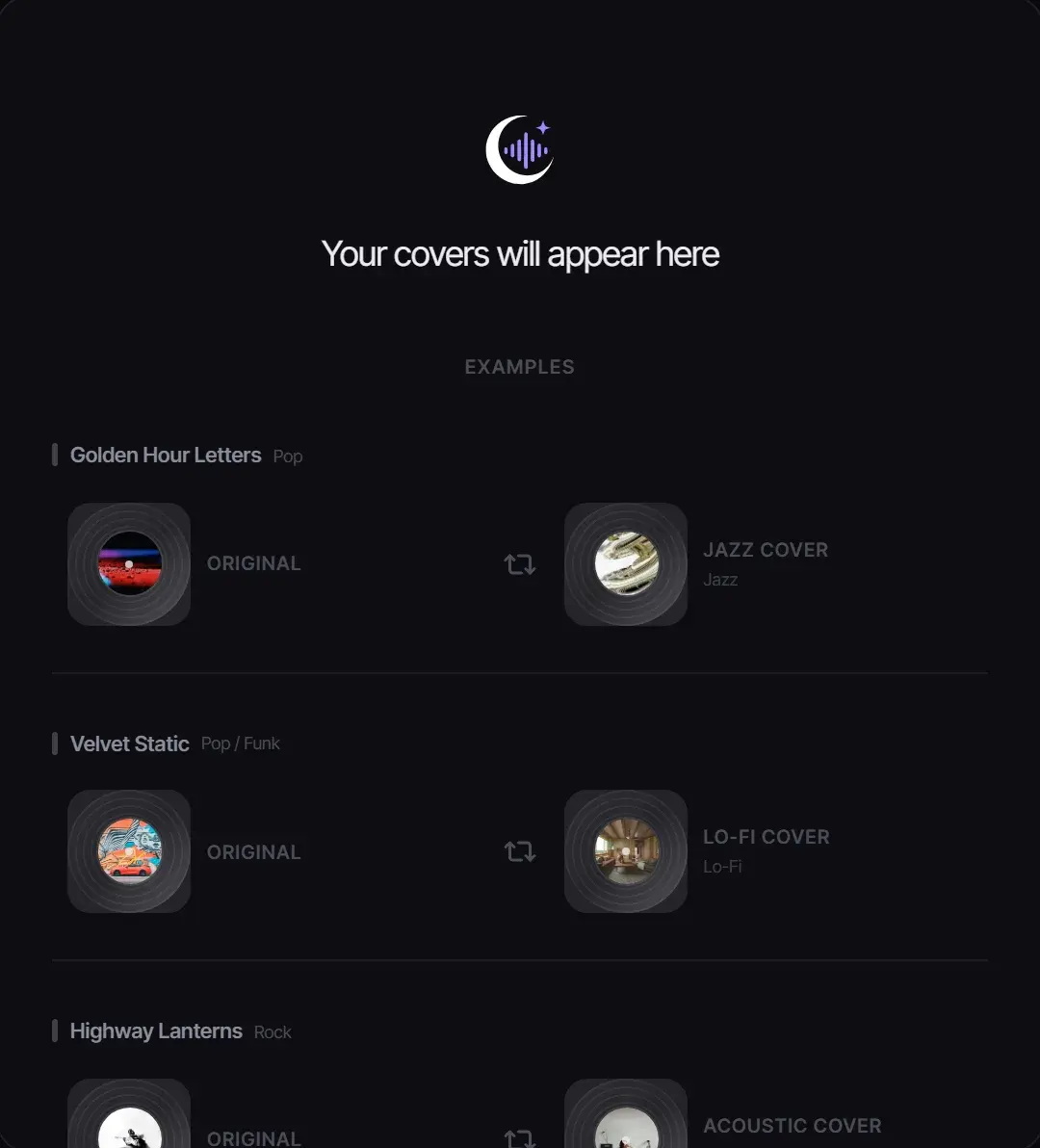
Example cover directions in the workspace.
Want a bigger change than a cover? The AI Song Remixer can also remake instrumentals and mash up two tracks.
Are AI covers legal?
It depends on the song and how you release it. Covering a song you wrote, or one you generated on Songluna AI, is straightforward. Releasing a cover of someone else’s song usually requires a mechanical license, and imitating a real singer’s voice can infringe their right of publicity, so do not use AI covers to sound like a specific artist.
Covers you make follow your plan’s license: personal use on Free, commercial use for eligible music on Plus and Pro. See Commercial Use.
AI Models
MiniMax Cover
AI Cover Song Generator Workflow
Feature
Before
After
Genre adaptation
Original song in its native genre arrangement
Same melody and lyrics reimagined in your chosen genre
Vocal style
Original artist's vocal timbre and technique
AI-generated vocals matching the new genre's style
Instrumentation
Original production with genre-specific instruments
Completely new arrangement with genre-appropriate sounds
What you can make with the AI cover song generator
Genre-Flip Popular Songs
Transform a rights-cleared pop melody into a metal anthem, a jazz ballad, or a reggaeton banger. Hear familiar musical ideas in new contexts.
Create Unique Social Media Content
Generate unexpected cover versions that stand out on TikTok, Instagram, and YouTube when you have the rights to use the source material and have checked platform publishing requirements.
Explore Arrangement Ideas
Test how your original song sounds in different genres before committing to a full re-arrangement. Use AI covers as a creative reference for your own productions.
Cover examples
Rebuild a song idea for a new channel or mood
Use cover generation for drafts, reference-safe experiments, and alternate arrangements where the output still needs review, export, and context.
Podcast host
Use case example
Show concept to intro music
Podcast
Describe the tone of the show in plain English and get an intro that sounds like the show rather than a template, ready to reuse every episode.
Audio identity
Intro, outro and segment bumper options in the same style.
Remix maker
Use case example
Track to editable stems
SoundCloud
Split a track you have the rights to into stems, then remix and rebuild ideas without starting from a blank session.
Edit workflow
Vocal, drum, bass and instrumental stems for remixing.
TikTok editor
Use case example
Hook idea to original sound
TikTok
Ask for a punchy opening and a timed drop, keep the best version, and cut the video around it rather than reusing a stock loop.
Edit timing
An intro hit, a mid-video drop and an ending to time the edit around.
Frequently asked questions
What AI can make a cover of a song?
Songluna AI is an AI cover song maker with two kinds of cover: Style Transfer changes the genre and arrangement, and AI Cover changes the voice. Upload a song you may use and generate.
Are AI cover songs legal?
Covers of your own songs are fine. Releasing a cover of someone else’s song usually needs a mechanical license, and you should never imitate a real singer’s voice.
Is the AI cover generator free?
New accounts get 8 free credits without a credit card. An AI Cover costs 5 credits and a Style Transfer cover costs 8.
Why does Style Transfer need vocals?
It re-sings the original melody in the new style, so the upload must contain vocals. Instrumental-only uploads are refunded.
Can I cover a song I made on Songluna AI?
Yes. Choose it from your library instead of uploading a file to make an AI song cover of your own track.
Can I make a cover in my own voice?
Yes. Select Train My Voice to create a voice from your own singing, then use it for AI Covers of songs you may use.
Updated November 2, 2026 · Written and reviewed by the Songluna AI team