
Remix maker
Use case example
Track to editable stems
Split a track you have the rights to into stems, then remix and rebuild ideas without starting from a blank session.
Edit workflow
Vocal, drum, bass and instrumental stems for remixing.
Upload a song and get two tracks back: the instrumental without vocals, and the vocals on their own. It works as a vocal isolator and a karaoke maker for music you may use.
Drop in an MP3, WAV or FLAC file up to 10 MB, or choose a song from your Songluna AI library.
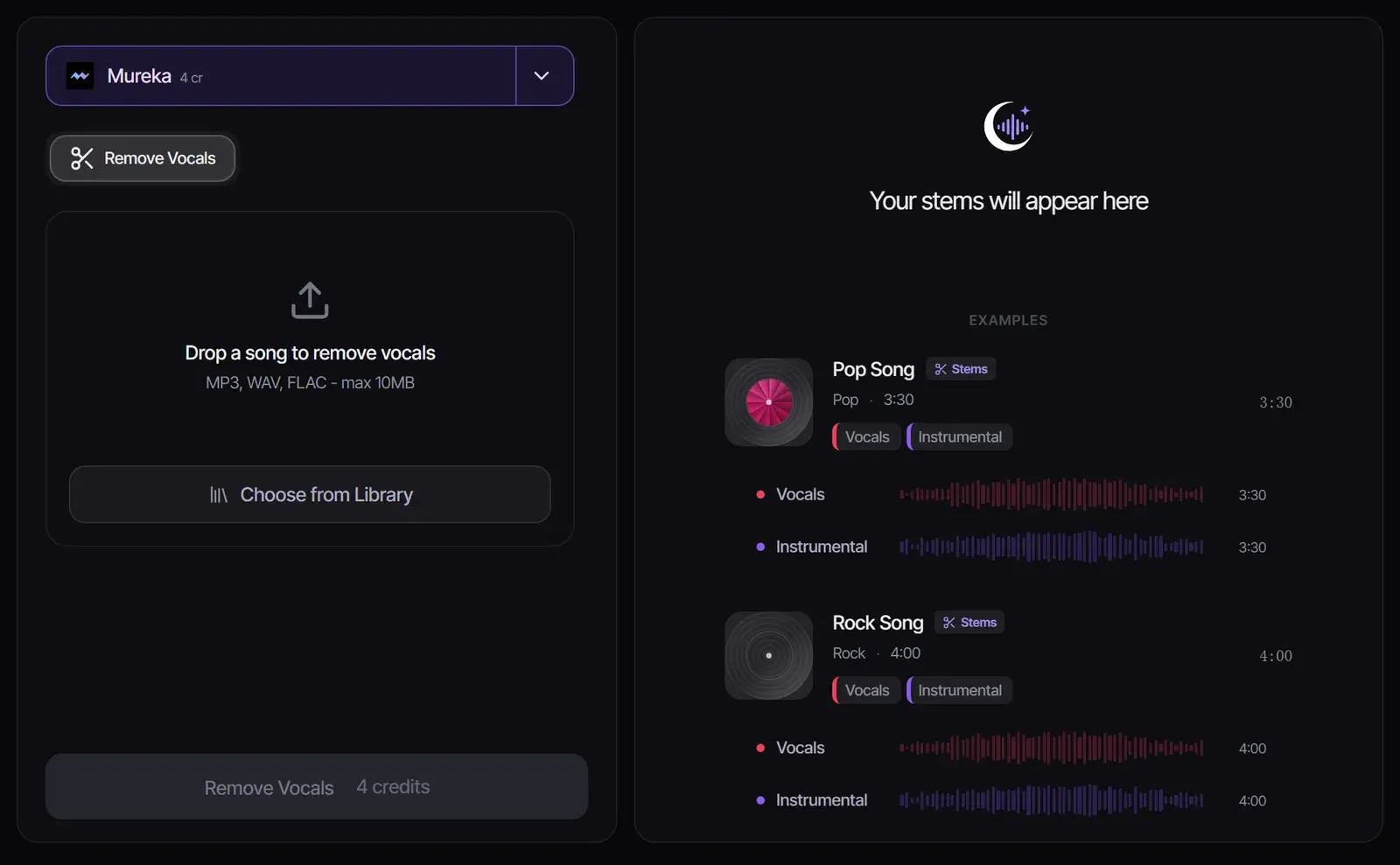
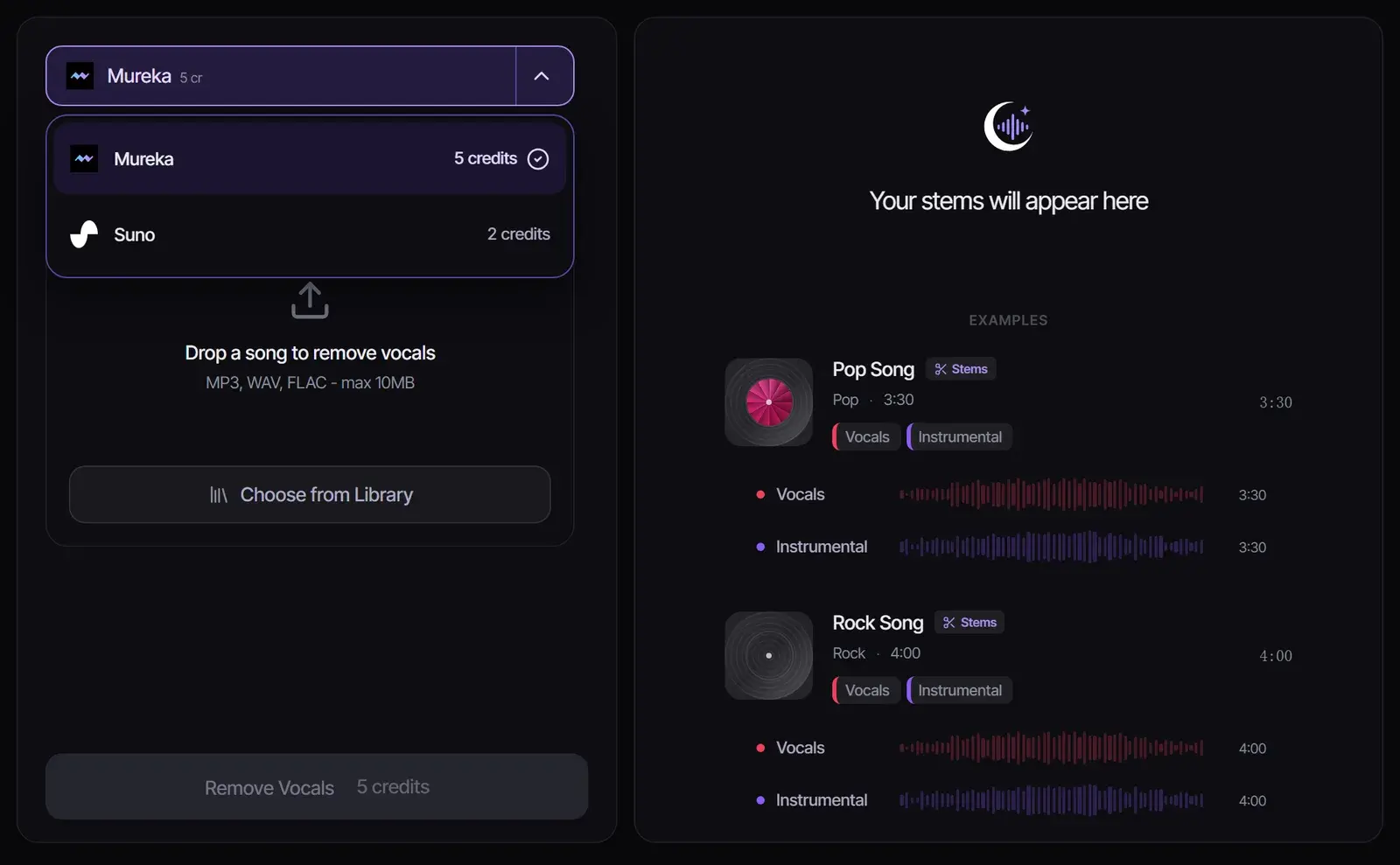
Mureka removes vocals from any uploaded song for 5 credits. For songs you generated with Suno in Songluna AI, Suno does it for 2 credits.
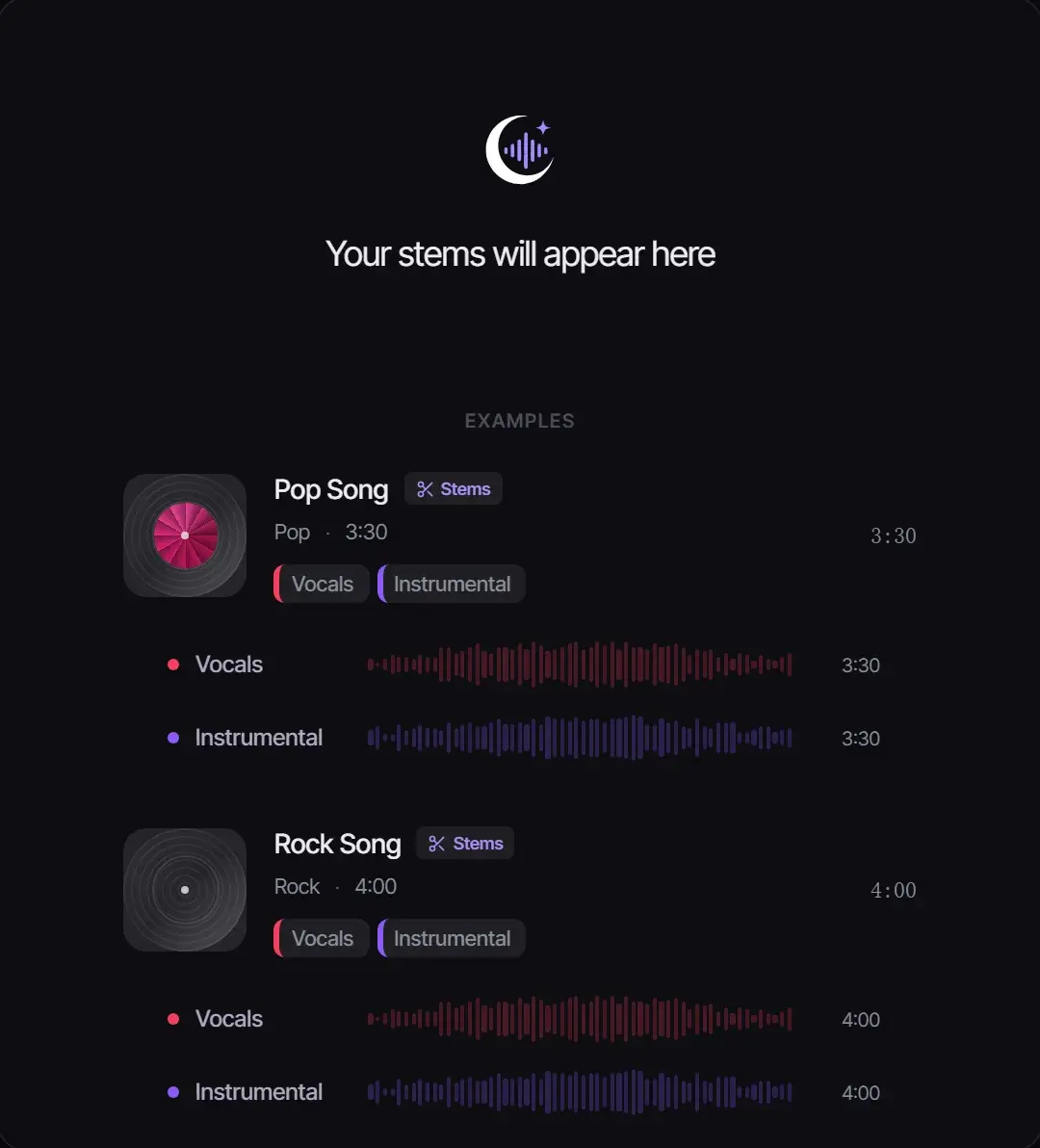
Select Remove Vocals. You get the instrumental and the isolated vocals as separate tracks, each with its own player and download.
| Track | What it contains | Use it for |
|---|---|---|
| Instrumental | Everything except the lead and backing vocals | Karaoke, singing practice, recording your own cover |
| Vocals (a cappella) | The vocals on their own | Remixes of licensed music, studying a vocal line, harmonies |
Used as an instrumental maker, the AI vocal remover gives you the backing track on its own, and as an acapella maker it gives you the vocals on their own, so you can make an instrumental online from any song you may use. Need the drums, bass and other instruments separately too? Use the Stem Splitter. Every way to get an instrumental, free ones included, is compared in How to make a song instrumental.
Removing the vocals does not remove the copyright. Personal practice is one thing; publishing or selling an instrumental or a cappella of someone else’s song needs the rights holder’s permission. See Commercial Use for what each plan allows with your own music.
| Feature | Before | After |
|---|---|---|
| Vocal presence | Lead and backing vocals clearly audible in the mix | Vocals removed, clean instrumental track remains |
| Instrumental preservation | All instruments mixed together with vocals on top | Instrumental parts intact with original EQ and dynamics |
| Background vocal removal | Harmonies and ad-libs layered throughout | Both lead and background vocals stripped cleanly |
Turn any song into a karaoke track by removing the lead vocals while keeping the full instrumental arrangement. Perfect for parties, events, and practice sessions.
Extract clean instrumental sections from vocal-heavy tracks for sampling, DJ sets, or as a foundation for new productions.
Remove vocals to sing along with the original instrumental track. Great for vocal training, auditions, and learning arrangements.
Use Vocal Remover when you need a fast instrumental and acapella pair. If your next step needs more control, move to the related workflow before exporting final files.
Switch to Stem Splitter when you need more than vocal and instrumental outputs for production or remix editing.
Open Stem SplitterMove to AI Remix when the instrumental or acapella is ready and you want to test a new genre, tempo, or arrangement.
Open AI RemixUpload audio you own, created, licensed, or have permission to edit. Vocal removal and acapella extraction do not clear rights in the original song.
Use vocal removal when you need a cleaner backing track, a karaoke draft, a remix bed, or a reference-safe edit path.
Use case example
Track to editable stems
Split a track you have the rights to into stems, then remix and rebuild ideas without starting from a blank session.
Edit workflow
Vocal, drum, bass and instrumental stems for remixing.
Use case example
Show concept to intro music
Describe the tone of the show in plain English and get an intro that sounds like the show rather than a template, ready to reuse every episode.
Audio identity
Intro, outro and segment bumper options in the same style.
Use case example
Game scene to loop
Describe a menu screen or a boss fight and get original loops that give a prototype its own sound, instead of free asset-pack music.
Prototype audio
A menu loop and battle cue ideas to test in the build.
Upload the song, choose a model and select Remove Vocals. You get an instrumental and an isolated vocal track to play and download.
New accounts get 8 free credits without a credit card: enough for two vocal removals with Mureka, or four on songs you made with Suno.
Upload audio files: MP3, WAV or FLAC. Export or save the audio from your video first, then upload it here.
Most songs come out clean, but heavy reverb, stacked harmonies and live recordings can leave faint traces.
Yes. The instrumental track works as a karaoke backing track for songs you are allowed to use.
Processing a song you own, or using it privately, is common. Publishing or selling the result from someone else’s song requires their permission.
Updated October 19, 2026 · Written and reviewed by the Songluna AI team
New accounts get 8 free credits. No credit card required.