
AI Lyric Changer
A song lyric changer that sings: select part of a song, type the new words, and AI re-sings that section to fit the rest of the track, rather than only rewriting the text.
How to change the lyrics of a song with AI
- 1
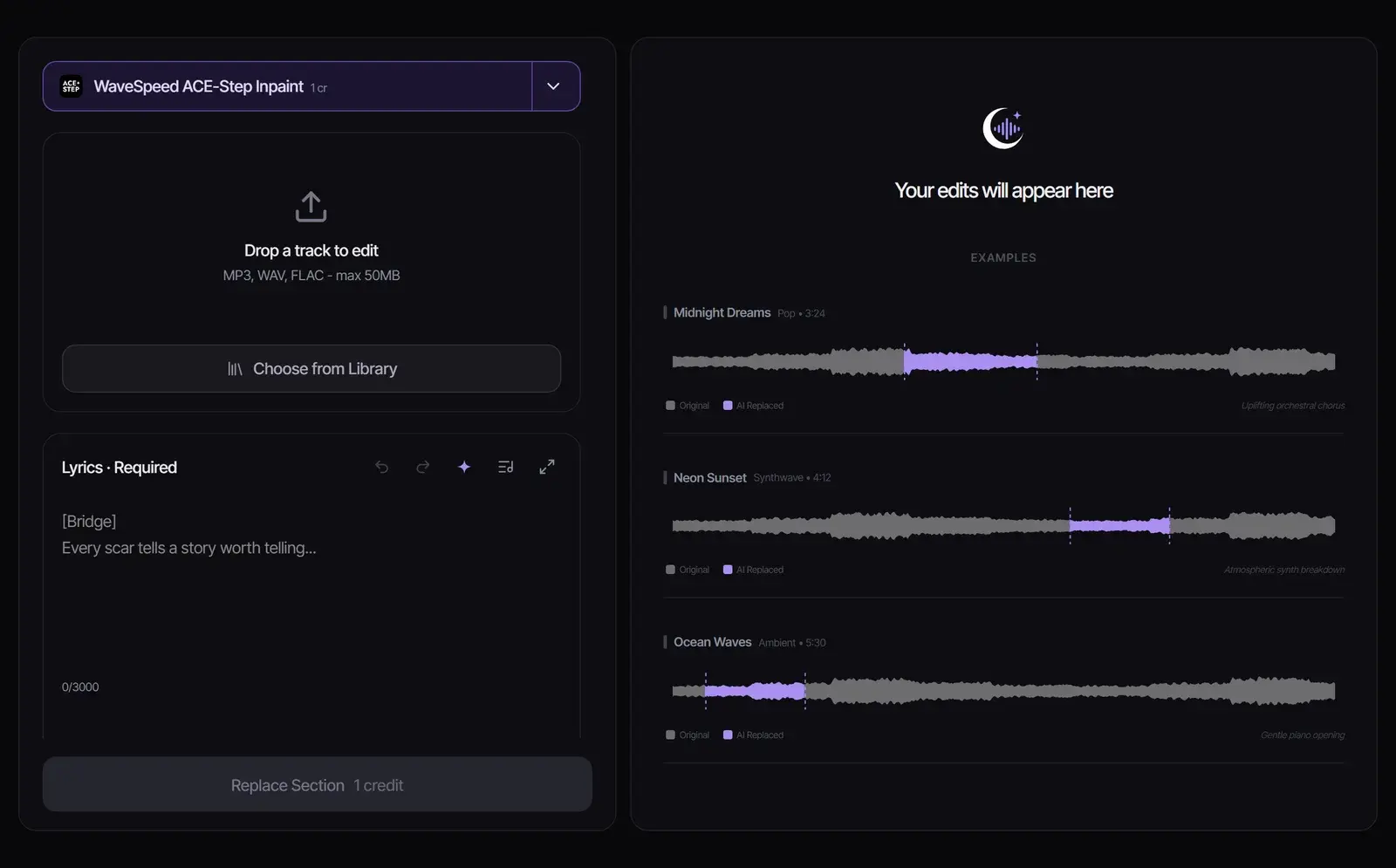
Upload the song
Drop in an MP3, WAV or FLAC file up to 50 MB, or choose a song from your library.
- 2
Select the lines to change
Drag across the waveform to select the section. With ACE-Step, it must start at least 12 seconds into the song, end at least 12 seconds before the end, and sit within the first 4 minutes.
- 3
Type the new lyrics and replace
Enter the new words, up to 3,000 characters, and select Replace Section. ACE-Step costs 1 credit per started minute of the song, and the edited song appears in your results.
How AI lyric replacement works
The model regenerates only the section you select. It listens to the music on both sides, so the new part keeps the tempo, key and sound of the song while singing your new words. This kind of editing is also called AI music inpainting.
It changes the recording, not just the text. To rewrite the words first, draft them in the AI Lyrics Generator; to get the current words out of a recording, use the Lyrics Extractor.
Two ways to change lyrics
| ACE-Step Inpaint (default) | Suno | |
|---|---|---|
| Source | Any song you upload or have in your library | Suno songs made in Songluna AI |
| Section length | At least 3 seconds | 6 to 60 seconds, and at most half the song |
| Where | From 12 seconds in to 12 seconds before the end, within the first 4 minutes | Anywhere in the song |
| You provide | The new lyrics | A style, a section description and a title |
| Cost | 1 credit per started minute of the song | Shown on the button before you start |
Tips for new lyrics that sound natural
An AI lyrics swap sounds most natural when the new words fit the old melody.
- Keep roughly the same number of syllables as the line you replace, so the words fit the melody.
- Select whole lines or a whole chorus rather than cutting in mid-word.
- Keep the rhyme pattern of the original section.
- Generate two or three versions and keep the one where the join is hardest to hear.
Want new lyrics for the entire song? Paste them into Lyrics to Song and generate a new version, then lengthen it if needed with the AI Music Extender.
Change lyrics in songs you may edit
Upload songs you made, own, or have permission to modify. Changing the lyrics of someone else’s song creates a derivative work, and publishing it, parodies included, can need the rights holders’ permission. What each Songluna AI plan allows is on Commercial Use.
Frequently asked questions
Can AI change the lyrics of a song?
Yes. Select the section, type the new words, and AI re-sings that part of the recording to fit the rest of the song.
Will it keep the original voice?
It aims to match the voice, tempo and key around the section, and most edits blend in. It is not guaranteed, so listen to the join and generate again if needed.
Is the AI lyrics changer free?
ACE-Step costs 1 credit per started minute of the song, so a three-minute song costs 3 credits. New accounts get 8 free credits without a credit card.
Can I change all the lyrics at once?
Section Replace edits one section at a time. To change every line, use Lyrics to Song to generate the song again with your new lyrics.
Which files can I upload?
MP3, WAV or FLAC files up to 50 MB, or any song in your Songluna AI library.
Can I change the lyrics of a famous song?
Only with permission from the rights holders. Edit your own songs, or songs you are licensed to modify.
Updated October 26, 2026 · Written and reviewed by the Songluna AI team
Try AI Lyric Changer free
New accounts get 8 free credits. No credit card required.