

Create a remix
Use separated parts from music you own or are licensed to transform.
AI audio separation
Separate vocals, drums, bass, and instruments from one audio file.
Use separated parts from music you own or are licensed to transform.

Listen to individual parts to study timing, tone, and structure.
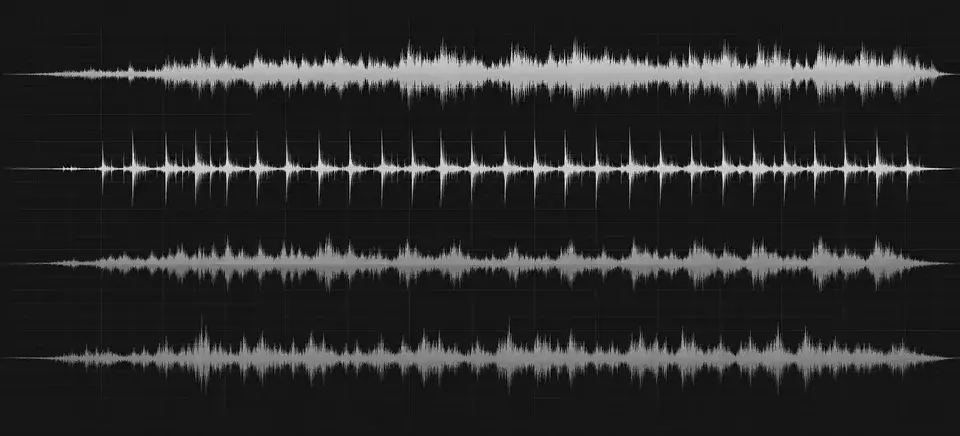
Bring real returned stems into your next authorized DAW session.
Drop in an MP3, WAV or FLAC file up to 10 MB, or choose a song from your Songluna AI library.
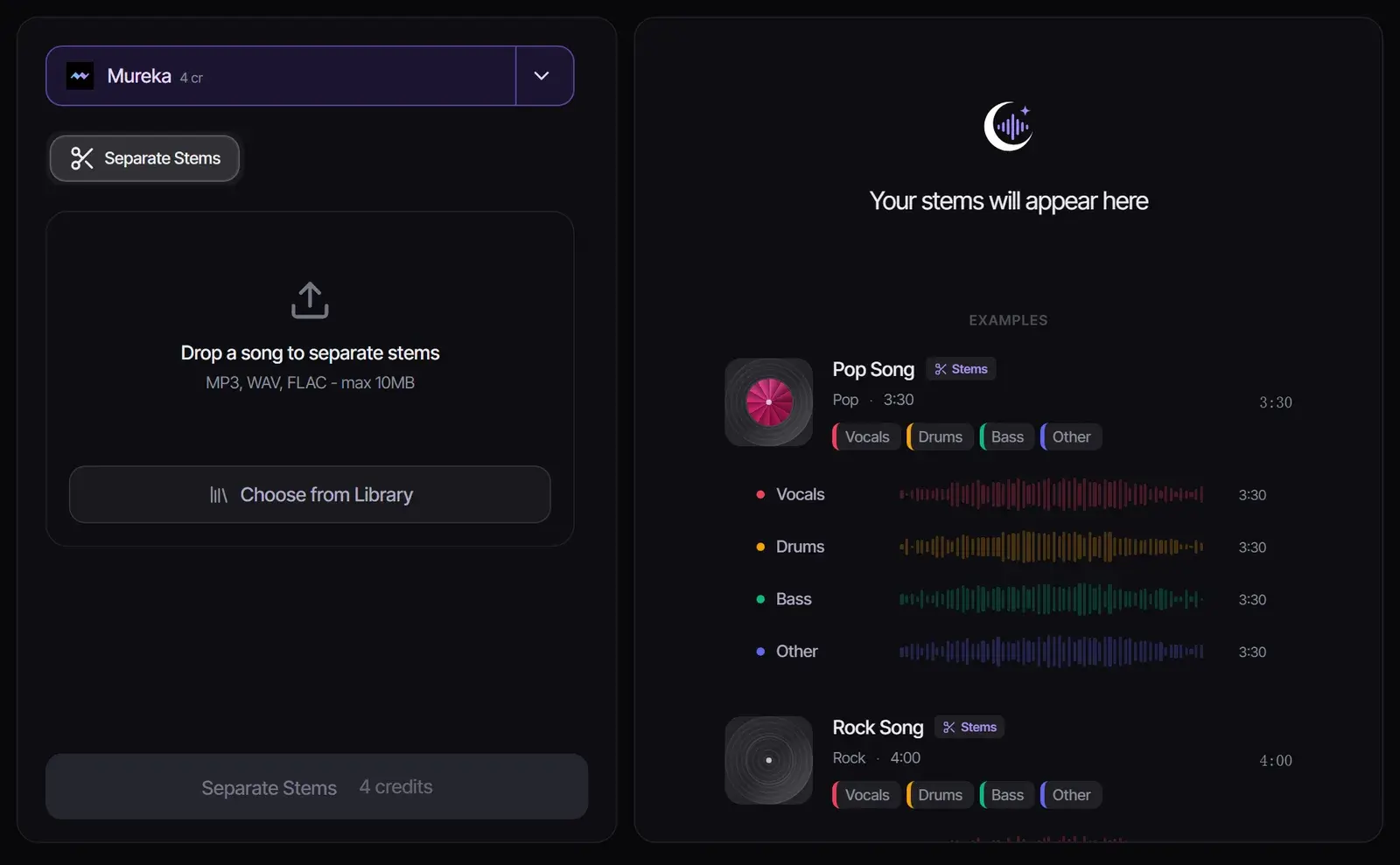
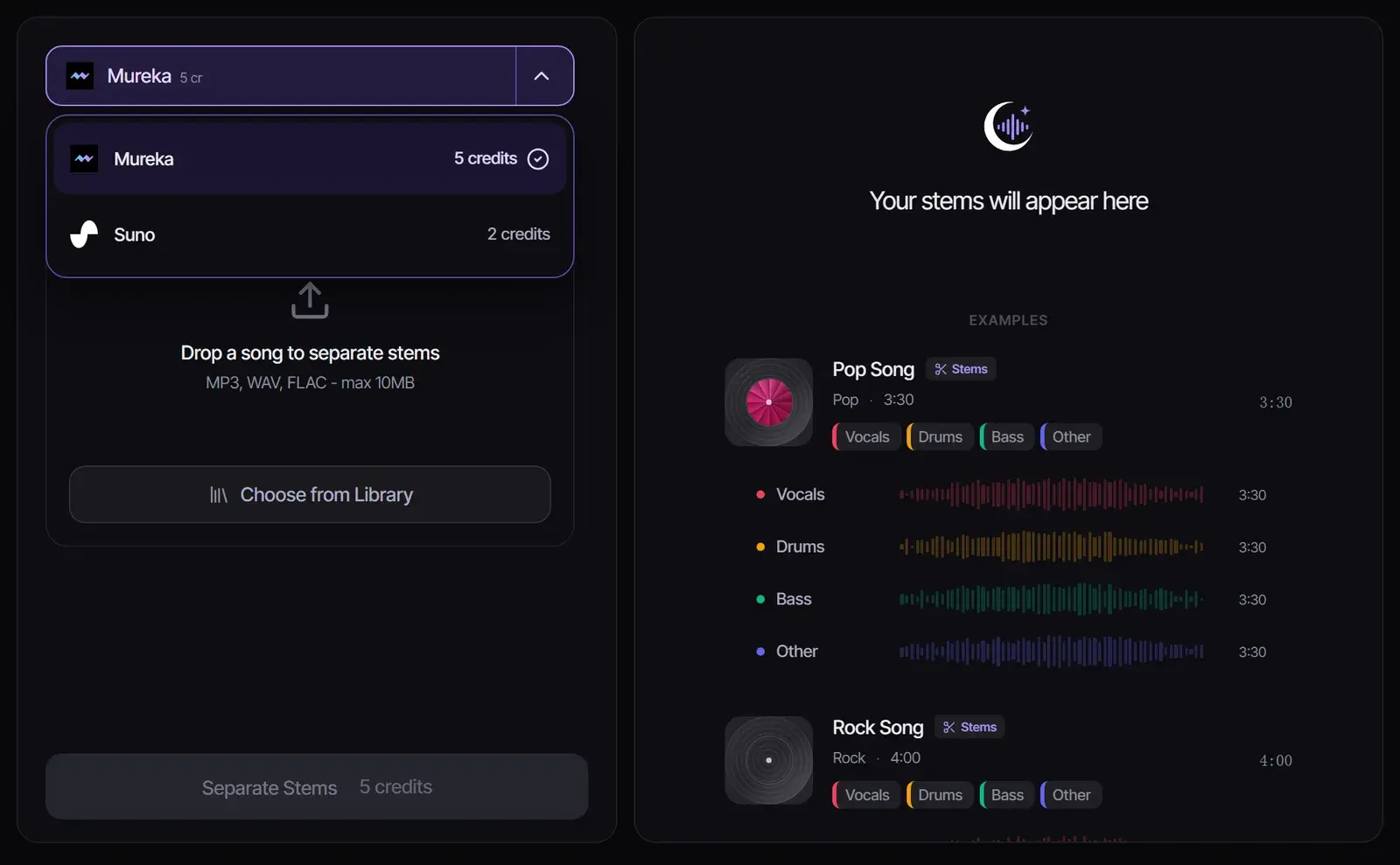
Mureka splits any uploaded song into four stems for 5 credits. For songs you made with Suno in Songluna AI, choose Suno for a 2-stem split (2 credits) or a 12-stem split (8 credits).
Select Separate Stems. Each stem gets its own player, so you can check it on its own before you download it.
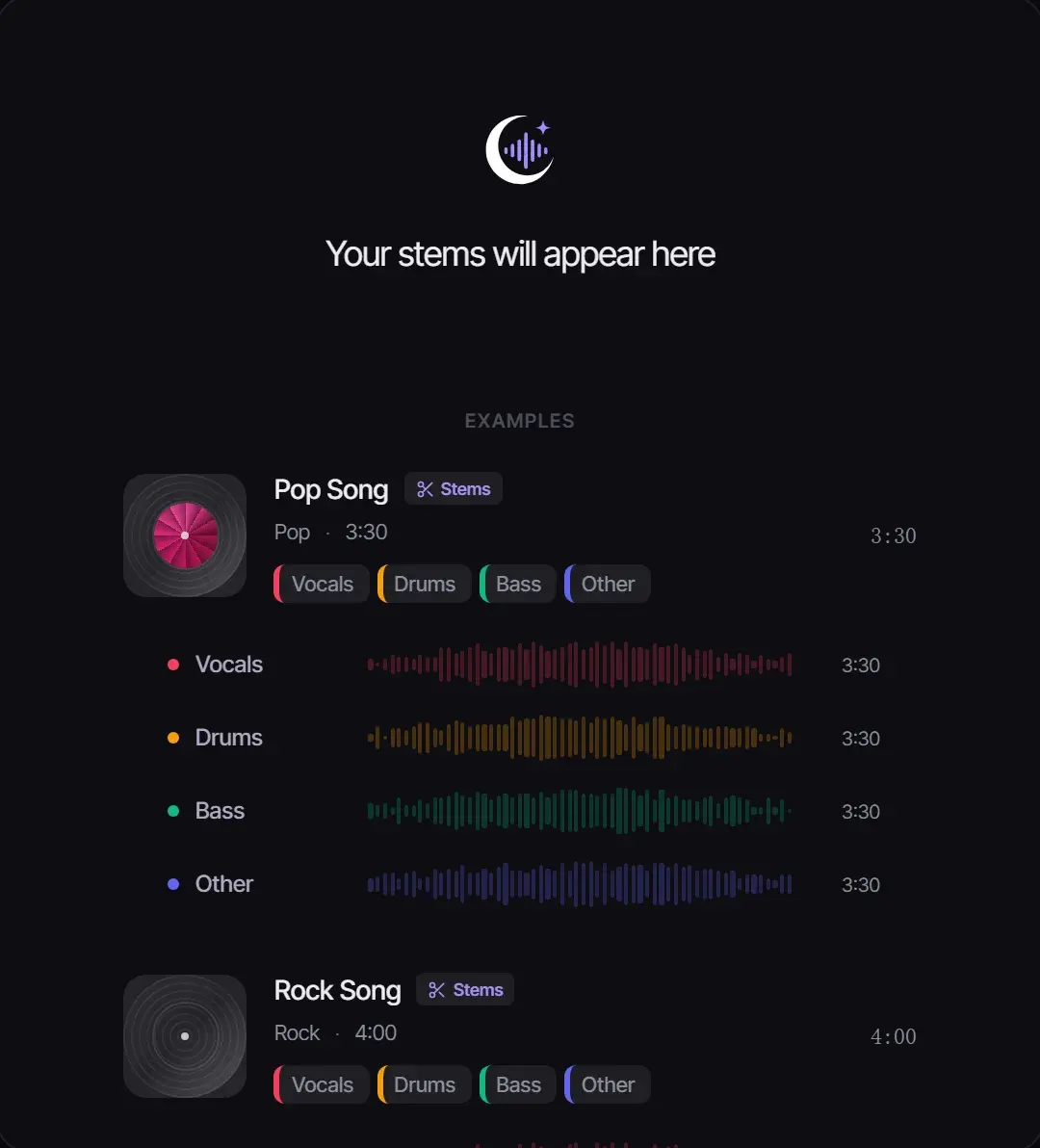
A separation model has learned what voices, drums, bass and other instruments sound like. It listens to the full mix and rebuilds each part as its own audio track, so the stems add back up to the original song.
| Option | Stems | Credits | Works with |
|---|---|---|---|
| Mureka 4-stem | Vocals, drums, bass, other | 4 | Any MP3, WAV or FLAC you upload, up to 10 MB |
| Suno 2-stem | Vocals and instrumental | 2 | Songs generated with Suno in your library |
| Suno 12-stem | Up to 12 instrument stems | 8 | Songs generated with Suno in your library |
Only need the vocals or the instrumental? The Vocal Remover gives you exactly those two tracks.
Logic Pro has a built-in Stem Splitter that separates an audio region into vocal and instrument regions inside your project (Apple Support). If you already produce in Logic, it is the quickest route.
This online stem splitter runs in any browser, on Windows, a Chromebook or a Mac, needs no DAW, and gives you the stems as audio files to bring into Logic Pro, Ableton Live, FL Studio or GarageBand.
Separating a song does not change who owns it. Split music you created, own or are licensed to use, and get permission before you publish or sell stems from someone else’s song. What each Songluna AI plan allows is on Commercial Use.
A stem splitter, or stem separator, is a tool that separates a finished song into its parts, called stems, such as vocals, drums, bass and other instruments, so you can use or adjust each one on its own.
New accounts get 8 free credits without a credit card, enough for two 4-stem splits with Mureka or four 2-stem splits of Suno songs.
Four with Mureka: vocals, drums, bass and other. For songs made with Suno in Songluna AI, you can choose 2 stems or up to 12.
MP3, WAV or FLAC files up to 10 MB, or any song already in your Songluna AI library.
Usually they are clean enough to use, but dense mixes, reverb and live recordings can leave faint bleed. Check each stem before you use it.
Only process audio you own or have permission to use, and get the rights holder’s permission before publishing or selling stems from someone else’s music.
Updated October 25, 2026 · Written and reviewed by the Songluna AI team