
AI Video Game Music Maker
Generate background audio for a game scene from a written brief. Choose a menu, exploration or battle preset, set a length, then download the track and check its loop points in your editor or game engine.
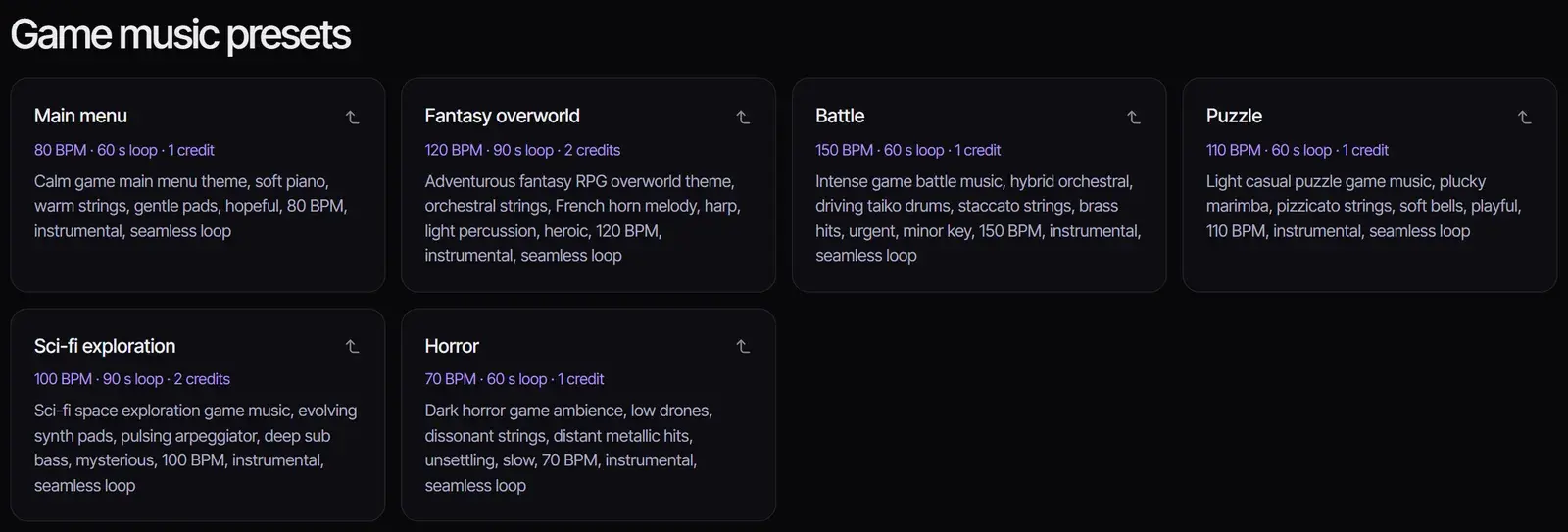
Game music presets
Each demo is one unedited ACE Step 1.5 take of its preset, generated on October 31, 2026. Your results will differ every time you generate.
How to make game music with AI
- 1
Pick a scene preset
Choose a preset under the workspace, such as Fantasy overworld or Battle. It fills in the prompt, selects ACE Step 1.5 and sets a loop length. Or describe your own scene, its mood and the instruments you hear.
- 2
Set the length and model
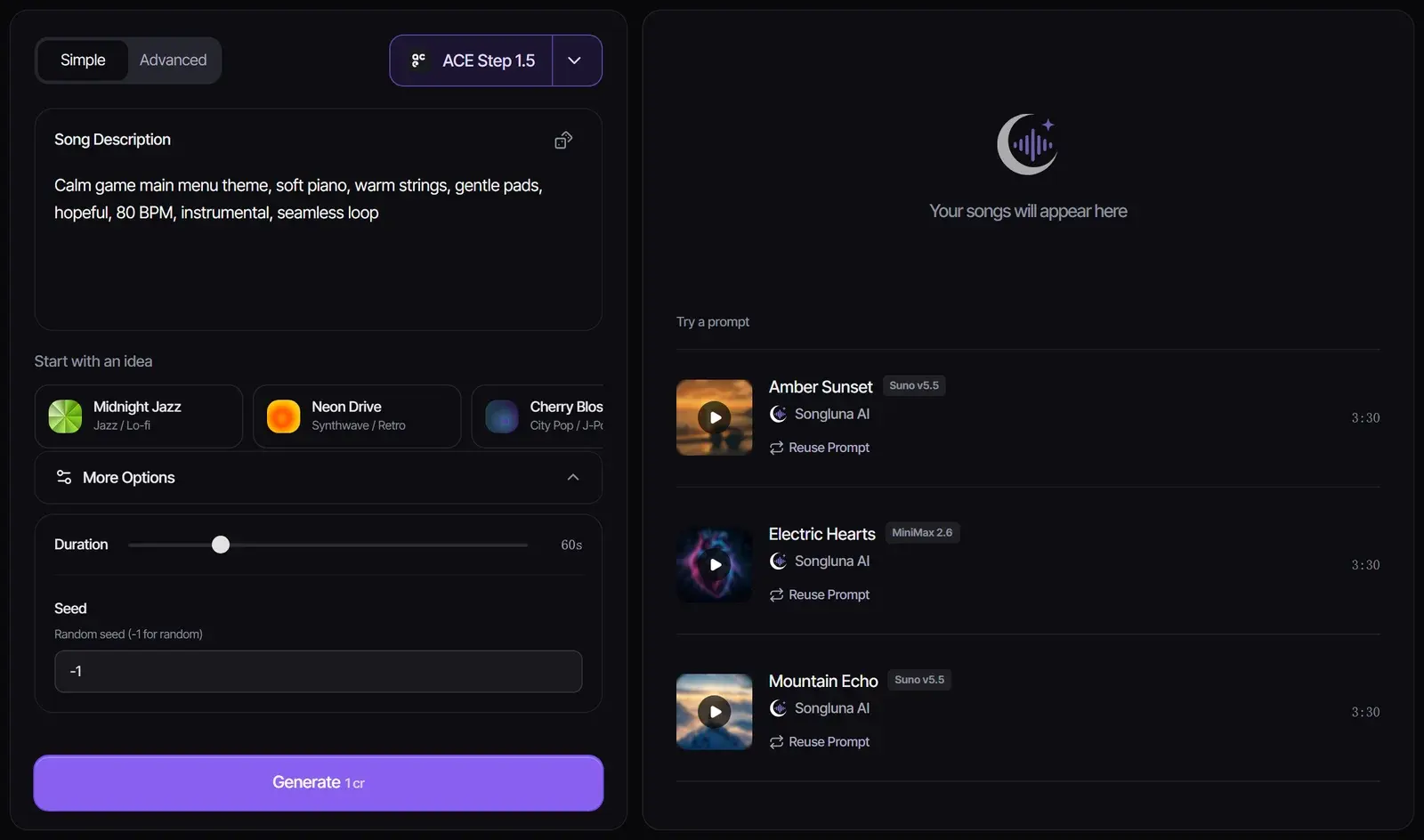
With ACE Step 1.5, open More Options and set the length from 10 seconds to 4 minutes; it costs 1 credit per started minute. For a theme song with vocals, switch to Suno V6 (6 credits).
- 3
Generate and test it in your game
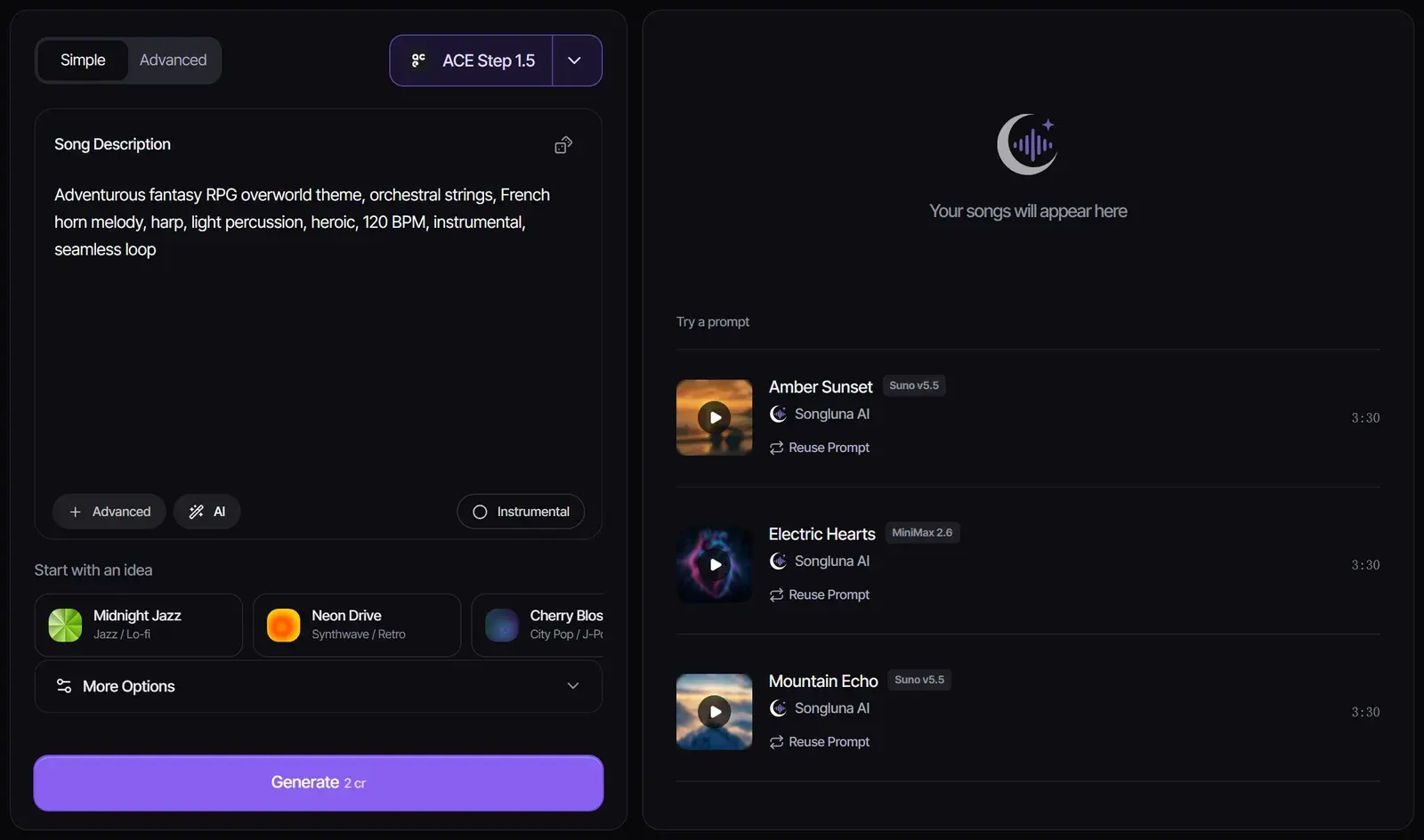
Select Generate, listen to the result and download it. Drop it into your scene and check how it loops before you commit to it.
Music for each part of your game
An AI game soundtrack works best when each track has one job. Use the presets above as a game background music generator, then adjust these starting points to your game.
| Scene | Sound to ask for | Tempo | Length |
|---|---|---|---|
| Main menu | Calm piano or pads that do not tire on repeat | 70–90 BPM | 60 s loop |
| Exploration | A melodic theme with room to breathe | 100–130 BPM | 90–120 s loop |
| Battle | Driving drums, short string figures, brass hits | 140–170 BPM | 60–90 s loop |
| Puzzle or casual | Light plucked sounds, playful and unhurried | 100–120 BPM | 60 s loop |
| Horror | Drones and dissonance, little melody | 60–80 BPM | 60–120 s loop |
| Victory or game over | A short phrase that ends cleanly | Any | 10–15 s |
Making a retro or pixel-art game? The 8 Bit Music Generator has chiptune presets. For jumps, hits and UI sounds, use the AI Sound Effect Generator.
Loops and length
- Write "seamless loop" in the prompt and keep one steady tempo.
- The model writes music that can repeat, but it does not guarantee a perfect loop point. Trim the start and end in your editor, or set the loop region in your engine.
- Need a longer cue? Add a new section with the AI Music Extender.
Using the music in Unity, Godot or Unreal
Download the track and import it as a looping audio asset in your engine. Keep the loudness of your tracks similar so scene changes do not jump in volume, and test each loop in the scene where it plays.
Which model to use
| Model | Credits | Length | Best for |
|---|---|---|---|
| ACE Step 1.5 | 1 per started minute | 10 seconds to 4 minutes, set by you | Instrumental loops for menus, levels and battles |
| Suno V6 | 6 | Up to 8 minutes | Theme songs and trailers, including vocals |
The presets use ACE Step 1.5 so you can score a whole prototype for a few credits. Every model in the AI song generator accepts a game music prompt.
Using AI music in a released game
Music made on Plus or Pro includes commercial-use rights for eligible music, so you can ship it in a released game or trailer; Free-plan music is for personal use, such as prototypes. Do not ask for, or recreate, the theme of an existing game. See Commercial Use.
Frequently asked questions
Is there a free AI game music generator?
New accounts get 8 free credits without a credit card, and a one-minute ACE Step 1.5 loop costs 1 credit, so you can make up to eight short tracks for free. Free-plan music is for personal use.
Can I use AI music in my game commercially?
On Plus and Pro, eligible music includes commercial-use rights, so you can use it in a released game. Free-plan music is for personal use.
Can I make seamless loops?
Ask for a seamless loop and set the length, then trim the loop point in your editor or engine. The model does not guarantee a perfect loop.
Does it work with Unity, Godot and Unreal?
Yes. You download a standard audio file that any engine can import and loop.
Can it make music for indie games in a retro style?
Yes. Use the 8 Bit Music Generator for chiptune, or describe a 16-bit, synthwave or lo-fi style here.
Can it make game sound effects?
This page makes music. For short effects such as jumps, coins and UI clicks, use the AI Sound Effect Generator.
Updated November 2, 2026 · Written and reviewed by the Songluna AI team
Try AI Video Game Music Maker free
New accounts get 8 free credits. No credit card required.